
Key takeaways
- The Question: If you answer for several construction sites but can only stand on each one occasionally, how do you build a monitoring programme you can actually rely on?
- The Answer: Make five decisions up front: which sites and phases to cover, which sensors suit each site type, which questions remote evidence can settle and which need a person, what cadence and escalation rules apply, and how your weekly review runs. Write them down before the first capture.
- The YelloSKYE Angle: Construct IQ combines drone surveys, 360° interior walks and fixed cameras on one record in the DEX platform, so an owner's rep or portfolio lead reviews every site to the same standard from a desk.
Remote construction site monitoring works when it is run as a programme with written rules, not as a stream of photos. For anyone accountable for sites they cannot visit often, the job is to decide in advance what gets captured, when, how it is reviewed and what triggers a trip to site. Get those decisions right and most status questions are answered from the record, leaving visits for the work that genuinely needs a person.
This playbook is built around those decisions. We deliver the capture and review side through Construct IQ, YelloSKYE's construction monitoring solution, with drones, 360° cameras and fixed cameras feeding the DEX platform. The approach below holds whichever provider you use.
Who this playbook is for
The reader we have in mind sits one step removed from daily site management. Typical roles include:
- Owner's representatives protecting a client's interests on one or more projects. Our guide to the owner's representative role covers their wider duties.
- Developers running several schemes at once, often in different cities.
- Lender's monitors who must confirm progress before funds are released, a process covered in our construction draw inspections guide.
- Portfolio and regional managers who need a fair comparison between sites run by different contractors.
All four share one problem. They are asked to sign, approve or report on work they have not seen, and the information they receive usually comes from the party whose work is being judged. A remote programme gives them an independent view on their own schedule.
Decision 1: which sites and phases to put under remote monitoring
Not every site needs the same level of coverage, and budgets rarely stretch to blanket monitoring. Rank your sites against a few plain criteria and start with the ones that score highest.
| Criterion | Why it raises priority | Signal to look for |
|---|---|---|
| Distance and travel time | The harder a site is to reach, the less often it is seen in person | Visits are planned weeks ahead or keep being postponed |
| Value of payment claims | Larger claims carry more risk if approved on reported figures alone | Monthly claims are a significant share of the contract sum |
| Contractor track record | New or unproven contractors need closer evidence | No previous projects together, or past disputes |
| Phase about to close up work | Once services are covered, the chance to check them is gone | Ceilings, risers or backfill scheduled in the coming weeks |
| Stakeholder reporting load | Buyers, lenders or boards expect regular, defensible updates | Fixed reporting dates in a facility or sales agreement |
Phase matters as much as site. A project in early earthworks is easy to read from the air and changes in large, measurable steps. The same project during fit-out hides most of its progress indoors and needs a different approach. Plan coverage by phase, so that each site moves onto a heavier or lighter capture plan as its programme advances.
A useful rule is to start remote monitoring before the first significant payment claim, not after the first disagreement. A baseline captured at mobilisation gives every later capture something to be compared against.
Decision 2: choose the capture mix for each site type
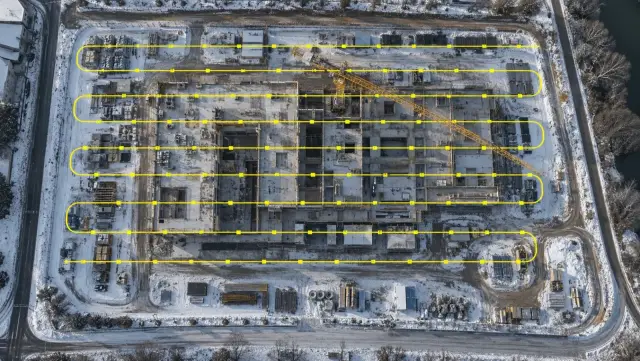
Each sensor answers a different kind of question. Drones show the whole site and support measurement. 360° cameras show interiors floor by floor. Fixed cameras watch one zone continuously. Survey-grade capture, such as laser scanning or drone surveys with ground control, gives geometry precise enough for engineering checks. The right mix depends on the type of site in front of you.
| Site type | Drone | 360° camera | Fixed camera | Survey-grade capture | Lead sensor |
|---|---|---|---|---|---|
| Greenfield earthworks or enabling works | Primary | Not needed | Supporting, at the main haul route or excavation | At baseline and key levels | Drone |
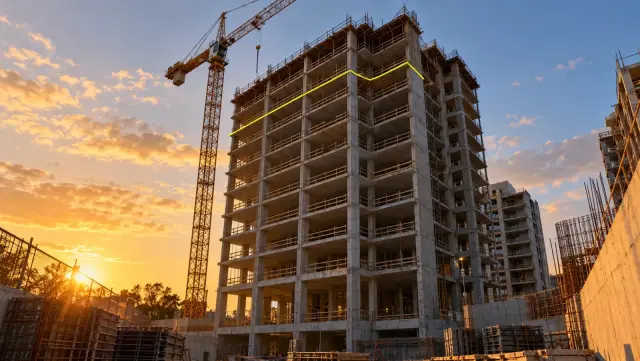
| Building in frame stage | Primary for site-wide view | Supporting, once floors are enclosed | Primary on the core and crane zone | At slab and frame milestones | Drone plus fixed camera |
| Fit-out heavy building (hospital, data centre, hotel) | Occasional, for roof and external works | Primary | Supporting, at loading bays | Before close-up of critical services | 360° camera |
| Large horizontal site (warehouse, logistics park, campus) | Primary | Supporting, inside completed sheds | Supporting, at gates and docks | At pavement and slab stages | Drone |
| Renovation of an existing building | Supporting, for roof and facade | Primary | Optional | At the start, to record existing conditions | 360° camera plus scan |
| Linear infrastructure (roads, pipelines, utilities) | Primary, flown in corridors | Rarely | At junctions or crossings | At formation and final levels | Drone |
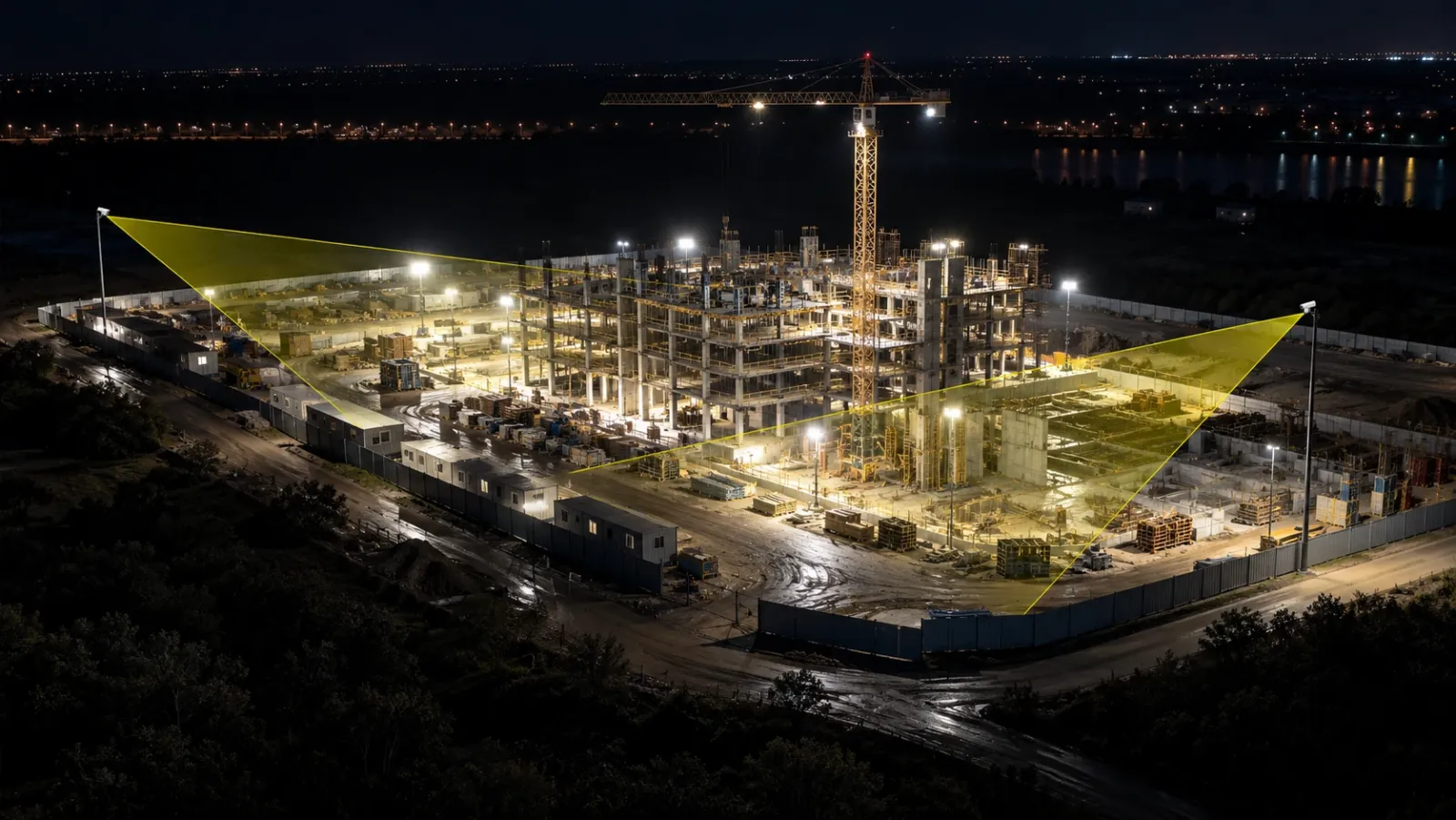
Two points stop the mix from going wrong. First, pick the lead sensor from the question you most need answered, not from the equipment you already own. Second, plan the practical constraints early. Fixed cameras need power, connectivity and a mounting point with a clear view, and in our fixed-camera construction monitoring work, each camera position is matched to active work fronts as well as those site conditions. Drone flights need clearance from the site owner and from the aviation regulator in that country (the FAA, the CAA and the GCAA are the US, UK and UAE examples), and some secure sites restrict imaging altogether. For camera placement in more depth, see our guide to construction site cameras.
Decision 3: build a verification matrix
The most common reason remote programmes lose credibility is that nobody agreed in advance what the evidence was allowed to prove. A verification matrix fixes that. For each question you routinely have to answer, state what remote evidence can confirm and what still needs a person on site. Share it with the contractor at the start so nobody is surprised later.
| Question you must answer | What remote evidence can confirm | What still needs a person on site |
|---|---|---|
| Has the milestone in this payment claim been reached? | Dated aerial and 360° captures showing the element in place, compared with the previous cycle | A check only when captures are unclear or the claim is unusually large |
| How much earth has been moved or stockpiled? | Volumes measured from a drone survey and compared with the claimed quantity | A surveyor's spot check if the figures are contested |
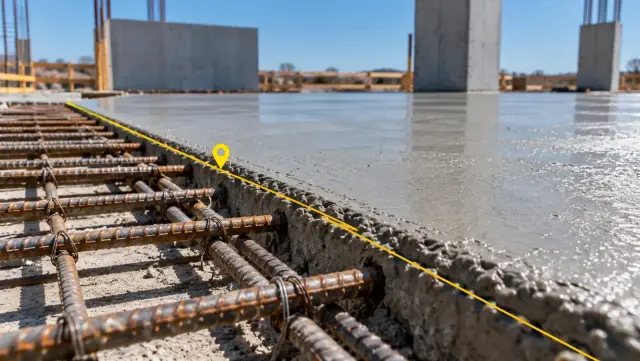
| Was the concrete or material to specification? | That a pour happened, when, and roughly where | Test certificates, cube results and witnessed sampling |
| Are hidden services installed before close-up? | Presence, routing and labelling visible in 360° walks of each floor | Pressure tests, fixing checks and formal sign-off |
| Is the site kept safe and orderly? | Visible conditions such as edge protection, access routes and material storage | Safety audits, permit checks and conversations with crews |
| Is the contractor resourcing the work? | Patterns of activity in priority zones from fixed cameras | Headcount and payroll checks against site records |
| Does the facade have defects? | Findings marked on a facade map, measured and compared between dates | Close-up inspection from a cradle, platform or rope access |
| Do built dimensions match the design? | Distances, areas and volumes measured on the platform | Setting-out checks by a surveyor for tolerance-critical elements |
DEX lets a reviewer take distance, area and volume measurements without leaving the office, with an error rate under one per cent, enough for most progress and quantity questions. Tolerance-critical setting out is still a job for a surveyor. In the same way, the facade inspection from a desk use case sets out how much facade triage happens remotely, while close-up checks of the wall remain on site.
The matrix also tells you how to staff visits. When every trip is booked against a row in the right-hand column, visits become shorter, better prepared and easier to justify.
Decision 4: set cadence and escalation rules
Cadence by phase
Cadence should follow the phase of each site and your payment calendar. Align at least one capture with every billing cycle, as in our contractor billing disputes use case, where drone flights are scheduled to coincide with contractor claims.
| Phase | Drone | 360° camera | Fixed camera | Remote review |
|---|---|---|---|---|
| Mobilisation | Baseline flight | Baseline of any existing structures | Install on priority zones | Confirm baseline is complete |
| Earthworks and substructure | Every one to two weeks, plus before each claim | Not needed | Continuous on excavation | Weekly |
| Frame | Every two weeks, plus before each claim | From enclosure onwards | Continuous on core and crane zone | Weekly |
| Envelope and fit-out | Monthly, for roof and external works | Every floor, timed to trade stages | Continuous at logistics points | Weekly, with floor-level checks |
| Commissioning and handover | Final record flight | Final walk of every space | Keep until demobilisation | Fortnightly, then close-out |
Escalation rules
Write escalation as three tiers so that reviewers do not have to judge every finding from scratch.
- Note. A minor variance that is visible but not urgent. Record it against the location and check it at the next capture.
- Query. Something that affects a claim, a milestone or quality. Send the contractor the dated evidence with a specific question and an agreed response time.
- Visit. A finding from the right-hand column of the verification matrix, a query that is not resolved, or a safety condition visible in the record. Book a person to attend, with the evidence in hand.
Typical triggers include a claimed milestone that is not visible, a deviation on the progress-versus-plan overlay that persists across two captures, work stopping in a priority zone, and any missed scheduled capture. Construct IQ can raise automated alerts for two of these, a critical milestone being reached and work going quiet in a high-priority zone, so the reviewer is told rather than having to spot them.
A sample weekly remote review routine
A routine is what keeps the programme alive once the first enthusiasm fades. The version below suits one person overseeing several sites and takes a few hours spread across the week.
| Day | Task | Output |
|---|---|---|
| Monday | Check the capture log: did every scheduled flight, walk and camera feed arrive? | List of missing captures, chased the same day |
| Tuesday | Scan every site against its plan overlay and the previous capture | One-line status per site, with tier-one notes |
| Wednesday | Open the sites with flags and use time-travel playback to see when each issue started | Queries drafted with dated evidence attached |
| Thursday | Send queries to contractors and review earlier replies | Updated query log, closed or escalated items |
| Friday | Decide next week's visits from the matrix and update the stakeholder report | Visit plan, plus a short report for the client, lender or board |
The time this takes falls as the record matures. In our portfolio monitoring with DEX use case, leadership reviews more than ten sites in about 30 minutes from the boardroom, because every site is captured and presented to the same standard. If findings need to reach the delivery team, Construct IQ integrates with Procore, Autodesk BIM 360 and ACC, which keeps queries next to the project records rather than in a separate inbox.
Keep one discipline above all: the routine runs every week, including the quiet ones. Quiet weeks are when a capture slips or a camera goes offline without anyone noticing.
Getting the first site live
Start with one site that scores highly in the ranking table and run the full programme there before expanding. A short checklist:
- Name the owner of the programme and the people who receive alerts.
- Write the verification matrix for the site and share it with the contractor.
- Choose the capture mix from the site-type table and confirm power, connectivity, flight permissions and access.
- Set the cadence by phase and fix capture dates against the billing and reporting calendar.
- Capture a baseline before the first significant claim.
- Run the weekly routine for at least a full billing cycle, then adjust what is not working.
- Copy the standard to the next site without changing it, so comparisons stay fair.
With YelloSKYE, most projects are set up and captured for the first time within 48 to 72 hours, with our team handling mobilisation, equipment and onboarding to DEX. Once the first site has completed a few billing cycles, adding the next one is mostly a matter of reusing the rules you have already written.