
Key takeaways
- The Question: What should a construction team look for in a fixed jobsite camera, and how do you install and run one so it keeps producing useful images for the whole project?
- The Answer: Decide first what each camera must show: live activity, a time-lapse record, security cover or deliveries. That decision sets the camera type, the mounting point, the power source and the data link. Most camera problems on site come from power and connectivity, not from the camera itself.
- The YelloSKYE Angle: Construct IQ uses fixed cameras alongside drones and 360° capture, so a camera watching one zone sits in the same dated record as the site-wide aerial map.
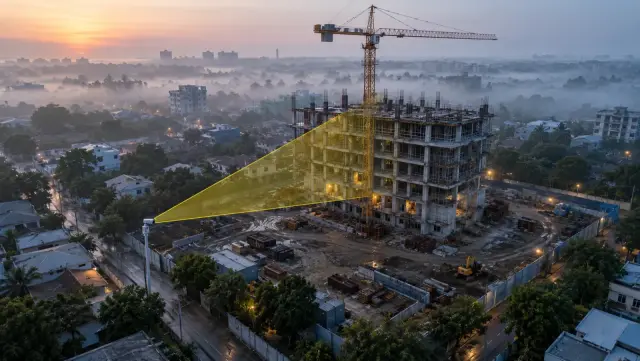
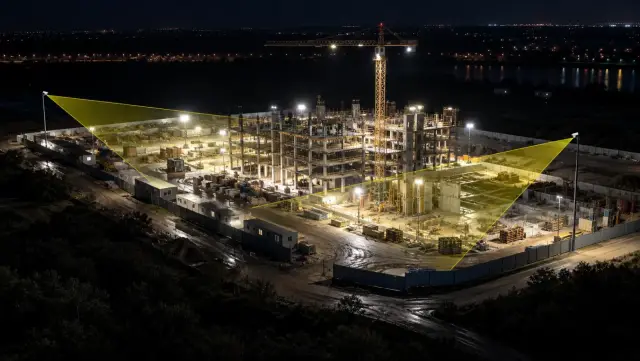
Construction site cameras are fixed, weatherproof cameras that watch a project from one position for its whole duration, sending images or video to a viewer that the team can open from anywhere. A good setup gives you a live look at the site, a dated archive for time-lapse and disputes, and some security cover, without anyone walking out to check. At YelloSKYE, fixed cameras are one of the capture methods inside Construct IQ, our construction monitoring service, where they complement scheduled drone flights and interior 360° walks.
This guide is for project managers, site leads and owners deciding which cameras to use, where to put them and how to keep them running. It stays vendor-neutral: the aim is to help you write a sensible specification and test what you are offered.
Four jobs a jobsite camera can do
Most disappointment with site cameras comes from expecting one unit to do everything. Each job pulls the specification in a different direction, so name the main one before choosing hardware.
| Job | What it needs from the camera | Typical setting |
|---|---|---|
| Live view | A wide, steady frame and quick refresh | Image every few minutes, or live video on demand |
| Time-lapse and record | A viewpoint that never moves and accurate timestamps | Image every 5 to 15 minutes in working hours |
| Security | Night capability, motion detection and alerting | Continuous video or event-triggered recording |
| Logistics and deliveries | A clear view of the gate, hoist or laydown area | Frequent images during delivery windows |
A camera framed for the whole building is usually too far away to identify a vehicle at the gate. A camera aimed at the gate tells you nothing about the slab cycle. Where two jobs matter, plan two cameras.
Types of construction camera
Fixed-view cameras
A fixed-view unit points at one scene and stays there. It is the standard choice for progress records and time-lapse because every frame lines up with the last. Higher resolution lets you zoom into a stored image later, which partly makes up for the fixed angle.
Pan-tilt-zoom cameras
A pan-tilt-zoom (PTZ) camera can be steered remotely to look at different parts of the site. It is useful for live inspection and security patrols. For records, set preset positions and have the camera return to the same preset at each capture time, or the archive becomes a jumble of angles.
Standalone solar units
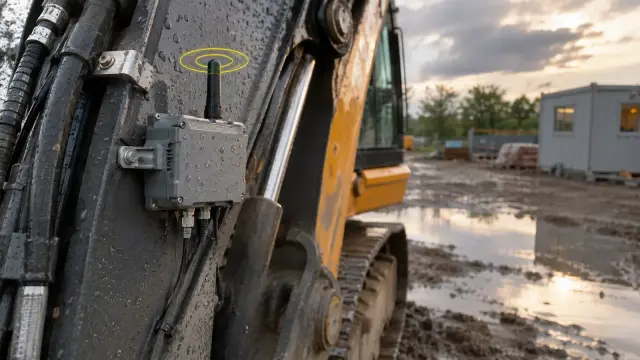
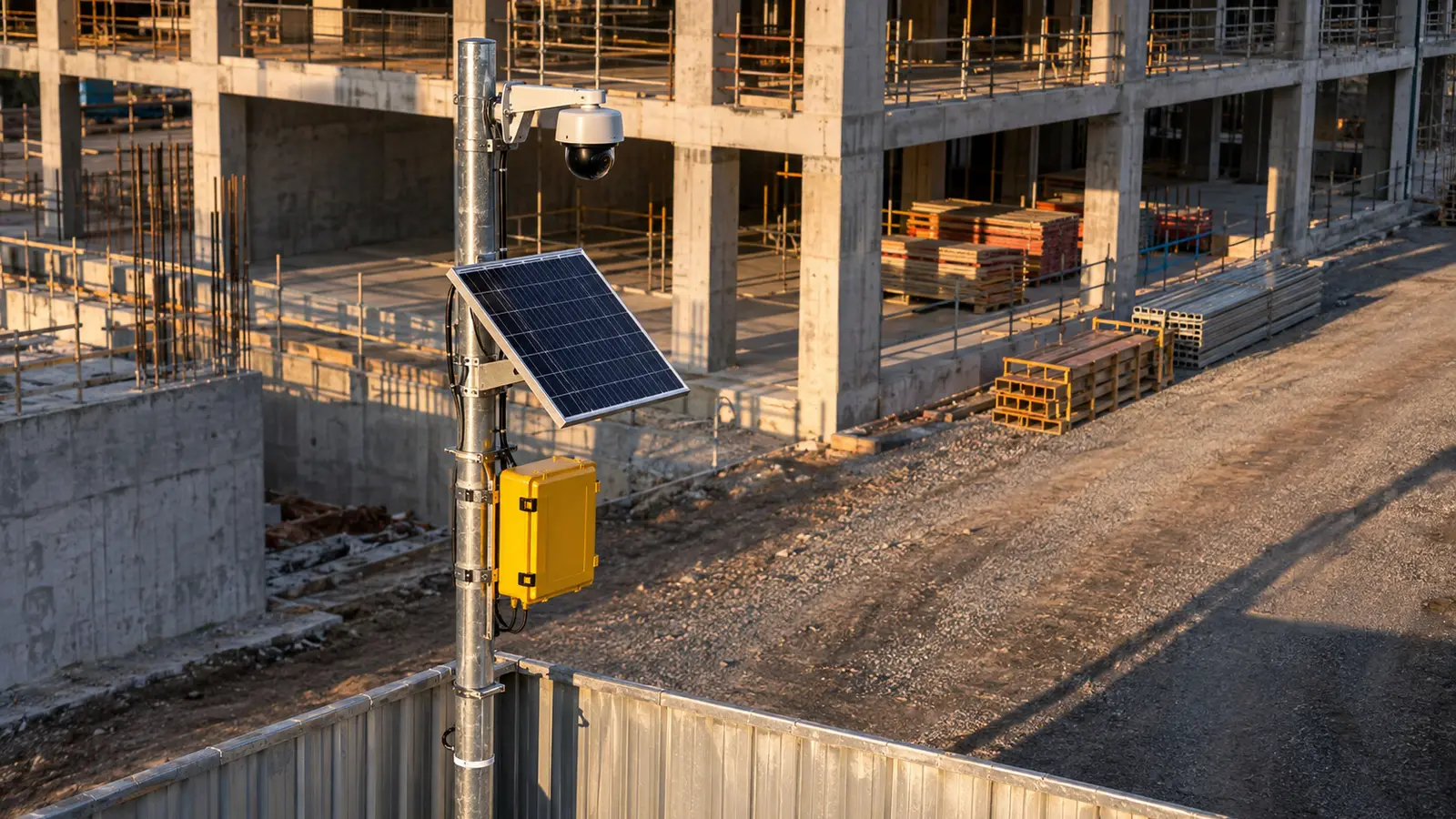
These combine the camera, a solar panel, a battery and a cellular modem on one mast or trailer. They can go anywhere on day one, before temporary power exists, which makes them popular for early works, linear sites and remote compounds.
Crane and high-level mounts
Mounting on a tower crane or a neighbouring rooftop gives a commanding view, but the crane leaves before the building is finished and a neighbour's permission can be withdrawn. Treat these mounts as phase cameras with a planned end date.
Interior cameras
Small cameras on columns or temporary walls can follow a plant room, a riser or a busy fit-out floor. They need careful placement because the view closes as partitions go up.
Placing the camera: start with the question
The best mounting point is the one that answers your question for the longest period, not the one with the nicest view today.
Write one question per camera
Examples: "Is the tower core keeping its weekly cycle?", "When did the last delivery leave the north gate?", "Was the roof membrane laid before the rain on Tuesday?" A single, specific question tells you the field of view, distance and capture rate you need.
Plan for the building you are about to create
Your own structure is often the biggest obstruction. A camera on the east boundary that sees the whole site at ground level may see only one elevation once the frame reaches the third floor. Check the drawings, the crane plan and the logistics plan for what will rise between the camera and its subject.
Height, distance and angle
Higher mounts reduce the chance of vehicles, hoardings and stacked materials blocking the frame. An oblique angle from above shows depth and activity on several floors; a flat elevation view hides it. Keep enough distance that the subject fits with room to spare, but not so much that the detail you care about becomes a few pixels.
Access and maintenance
Somebody will need to clean the lens, reset a router or swap a battery. A mount that requires a mobile elevating work platform for every visit will be neglected. Agree who maintains each camera and how often before installation.
Privacy and neighbours
Aim cameras at the site, mask out neighbouring windows and gardens where the software allows, and check what local data protection law and the site owner's policy require. Rules on recording, signage and footage retention differ from country to country.
Power: the most common point of failure
A camera that drops offline for a fortnight leaves a hole in the record that cannot be filled afterwards. Power planning deserves as much attention as camera selection.
| Power source | Strengths | Watch out for |
|---|---|---|
| Site mains | Steady supply, supports higher frame rates and heaters | Circuits switched off at night or at weekends; supply relocated during works |
| Solar and battery | Independent of site services, quick to install | Undersized panels in short winter days; snow, dust and shading on the panel |
| Hybrid | Mains when available, battery backup when not | Higher cost and more equipment to maintain |
| Neighbour's supply | Useful for rooftop mounts | Permission, metering and access agreements |
Two practical points catch many teams out. First, temporary supplies attached to site cabins are often isolated at the end of each shift, so a camera on that circuit records only in daylight hours, which defeats any security purpose. Second, solar units should be sized for the dullest weeks of the year in your location, with several days of battery reserve, not for an average day.
Data, connectivity and storage
Getting images off site
Most site cameras send data over a cellular connection, a site network or, on remote projects, a satellite link. Still images every few minutes need little bandwidth; continuous high-definition video needs a great deal and can be costly on a metered data plan. Decide whether you need video at all, or whether frequent stills with short event clips will do.
Local buffering
Choose cameras that store images locally when the connection drops and upload them once it returns. Without that buffer, every network outage becomes a gap in the archive.
Clocks and timestamps
The value of a site camera archive rests on its timestamps. Make sure the camera takes its time from the network, uses the project's time zone and records the capture time in the image metadata, not just in a file name.
Retention and ownership
Agree in writing who owns the footage, how long it is kept, how it can be exported and what happens at the end of the contract. A camera archive is often needed months or years after handover, in a defect claim or a delay dispute, long after a subscription has ended.
Cameras for security
A camera on its own deters some opportunist theft but does not stop a determined intruder. Security value comes from the response that follows an alert.
- Detection. Motion detection on a busy site produces many false alarms from wind-blown sheeting, animals and headlights. Look for analytics that can be limited to defined zones and times.
- Night images. Infrared or low-light sensors vary widely. Test the camera after dark at the planned distance.
- Response. Decide who receives alerts out of hours and what they do: call a guard, check a second view, or contact a monitoring centre.
- Insurance. Some insurers set conditions for site security. Check whether cameras change those conditions before relying on them in place of guarding.
How fixed cameras fit with other capture
A fixed camera sees one zone often. A drone sees the whole site occasionally. A 360° walk sees interiors at chosen moments. None of them replaces the others, and the useful record comes from combining them.
Fixed cameras cannot measure quantities or check geometry. They are poor at telling you how much of a slab is finished, but very good at telling you when the pour started, when the pump left and whether anybody was working on Saturday. Drones fill the measurement gap with orthomosaics and volumes, as explained in our guide to remote construction site monitoring.
In our fixed-camera construction monitoring work, each camera position is chosen against the project plan, the active work fronts, the viewing range, available power and connectivity, and the report the images have to support. Imagery then sits in the DEX platform next to the drone captures, and verified YelloSKYE deployments that combine Construct IQ, fixed cameras and DEX have recorded 80% fewer site visits. Construct IQ can also notify the team when a milestone is reached or when activity stops in a high-priority zone.
The same image stream becomes a time-lapse and milestone archive with no extra capture, as our time-lapse monitoring for project milestones use case shows. If you want the footage for marketing as well as records, our construction time-lapse video guide covers framing and capture intervals for film. After handover, the same kind of setup can move indoors to watch docks and staging areas, as in our fixed-camera warehouse monitoring use case.
Buy, rent or take as a service
There are three broad ways to get cameras on site, and the right answer depends on how many projects you run and who will look after the hardware.
- Buy if you run many projects, have staff to install and maintain cameras, and can move units from one site to the next.
- Rent or subscribe if you want hardware, data plan and viewer in one monthly fee, with the supplier replacing faulty units.
- Take as part of a monitoring service if you want the camera record combined with other capture and analysis, with someone else responsible for keeping it running.
Whichever route you choose, ask the same questions.
| Question | Why it matters |
|---|---|
| What happens when the connection drops? | Local buffering prevents gaps in the archive |
| How is the unit powered, and for how long without sun or mains? | Power is the most common cause of outages |
| Can we export full-resolution images with their timestamps? | You may need the archive long after the contract ends |
| Who gets alerted when a camera goes offline, and how fast? | A silent failure can cost weeks of record |
| Can views be masked for privacy? | Local rules may require it near homes or public areas |
| Does it sit alongside our drone and 360° data? | One record is easier to search than three |
| Who owns the footage and for how long is it kept? | Disputes and defect claims arrive late |
Common problems with site cameras
- The view is blocked by the project itself. The frame was chosen at ground level and the building grew across it.
- The camera goes dark without anyone noticing. No one is responsible for checking that it is still uploading.
- The clock is wrong. Images carry the factory time zone, and the archive cannot be matched to site diaries.
- The lens is dirty. Dust, cement spray and bird droppings degrade images within weeks on a busy site.
- The camera was moved. A well-meaning adjustment after a storm breaks the alignment of every frame that follows.
- Footage is lost at the end of the subscription. Nobody exported the archive before the account was closed.
Checklist: before you install a site camera
- Write the question each camera must answer and the job it serves: live view, record, security or logistics.
- Check the drawings and logistics plan for anything that will block the view as the work progresses.
- Choose a mount you can reach for cleaning and repairs, and name the person responsible.
- Confirm a power source that stays on day and night, and size solar units for the darkest weeks.
- Confirm the data link, local buffering and an alert if the camera stops uploading.
- Set the clock and time zone, and confirm timestamps are stored with each image.
- Mask private areas and check local rules on recording and retention.
- Agree footage ownership, export format and retention period in writing.
- Decide how camera images will sit alongside your drone and 360° records so the team searches one place.