
Key takeaways
- The Question: What kinds of IoT sensors are used on construction sites, what is each one good for, and what does it take to make the data useful?
- The Answer: Connected sensors measure things people cannot watch continuously: plant hours and location, dust, noise and vibration, concrete temperature, structural movement, worker proximity to plant. Each needs power, a network and a person who acts on its alerts, and readings only become useful when they are tied to a time, a location and the rest of the project record.
- The YelloSKYE Angle: Sensors report numbers; they rarely show what caused them. Construct IQ adds a dated visual record from drones and fixed cameras, so a spike in a reading can be checked against what was happening on site at that moment.
IoT in construction means connecting sensors and devices on site so they measure conditions and send readings over a network automatically. Instead of a person noting engine hours, reading a noise meter or checking a slab's temperature, the device does it continuously and raises an alert when a value crosses a limit. Used well, it catches problems that would otherwise be noticed too late. Used badly, it produces streams of numbers that nobody reads.
This guide covers the main sensor types and what each is for, how to bring readings into one place, the costs, power and connectivity limits that decide what is practical, and the privacy questions raised by anything worn by people. Sensors are one part of a monitoring set-up; the visual part, which Construct IQ provides, is what lets you see what a reading means.
How a site IoT system is put together
Every site IoT deployment has the same four layers, whatever the vendor calls them.
- Devices. The sensor or tracker itself, with its own battery or a connection to site power.
- Connectivity. The route the readings take off site: mobile networks, low-power wide-area networks such as LoRaWAN or NB-IoT, site Wi-Fi, or satellite in remote locations. Many low-power devices talk to a gateway on site, which then forwards readings over a mobile connection.
- Platform. The software that receives readings, stores them, draws charts and sends alerts when thresholds are crossed.
- Response. The person or process that does something when an alert arrives. This layer is the one most often missing.
Problems usually appear at the joins. A sensor works on the bench but cannot reach the gateway once the floor slab above it is poured. A platform raises an alert at 2 a.m. to an inbox nobody checks. Planning all four layers together avoids most of them.
The main sensor types and what they are for
| Sensor type | What it measures | Typical use on site | Power and connection notes |
|---|---|---|---|
| Plant telematics | Engine hours, idle time, fuel, location, fault codes | Utilisation, maintenance planning, theft recovery | Powered by the machine; mobile network |
| Asset tags | Location of small plant, tools and containers | Finding equipment, tracking hire returns | Small battery; Bluetooth or GPS with low-power network |
| Environmental monitors | Dust (particulates), noise, vibration, weather | Boundary compliance, neighbour complaints, crane wind limits | Usually mains or solar; mobile network |
| Concrete sensors | Temperature and sometimes humidity inside the pour | Estimating in-place strength, curing control | Cast in; short-range wireless to a reader or gateway |
| Structural monitoring | Tilt, crack width, settlement, movement | Neighbouring buildings, excavations, temporary works | Battery; low-power network; long durations |
| Building condition sensors | Water leaks, temperature, humidity in finished areas | Protecting completed work, drying conditions | Battery; site Wi-Fi or low-power network |
| Wearables | Proximity to plant, falls, heat stress, entry to zones | Safety alerts and emergency response | Rechargeable; needs a charging routine |
| Connected cameras | Images or video at set intervals | Progress, security, time-lapse, remote checks | Site power or solar; mobile network |
Plant telematics
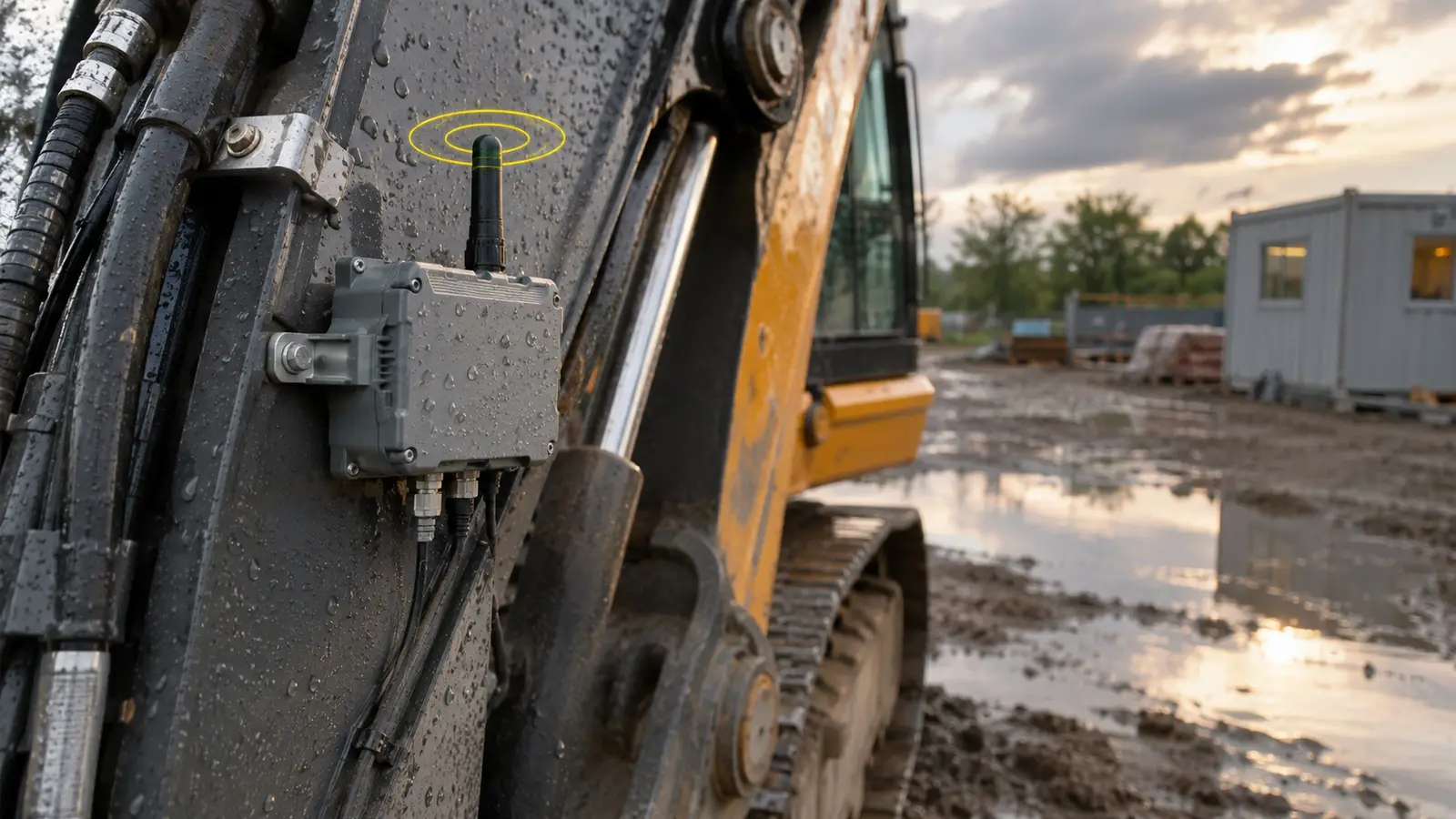
Most modern excavators, dumpers and generators come with telematics fitted, and older machines can be retrofitted. The data shows where each machine is, how long it has run and how much of that time was spent idling. Contractors use it to right-size plant fleets, schedule servicing on actual hours, and find stolen equipment. ISO 15143-3, a standard for exchanging telematics data from earth-moving machinery, lets mixed fleets from several manufacturers report into one system, although support varies by model.
Environmental monitoring
Many sites operate under planning or permit conditions that limit dust, noise and vibration at the boundary. Continuous monitors give evidence that limits were met and warn the team before they are breached. Vibration monitoring next to sensitive buildings often refers to guidance such as BS 7385 in the UK or DIN 4150 in Germany, but limits and methods differ by country and by permit. Wind speed sensors on cranes and at height support decisions about when lifting must stop.
Concrete maturity
Sensors cast into a pour record its temperature through curing. Combined with a strength curve calibrated for that specific mix, the readings estimate in-place strength without waiting for cube or cylinder results. The method is described in standards such as ASTM C1074. It helps decide when formwork can be struck or post-tensioning stressed, which can shorten the cycle on each floor. It depends on proper calibration, and most engineers still confirm critical decisions with physical test results.
Structural and geotechnical monitoring
Tilt meters, crack gauges, settlement points and inclinometers watch how the ground and nearby structures respond to excavation, dewatering and piling. Readings are compared with trigger levels agreed in advance with the engineer, often with an amber level that prompts review and a red level that stops work.
Wearables
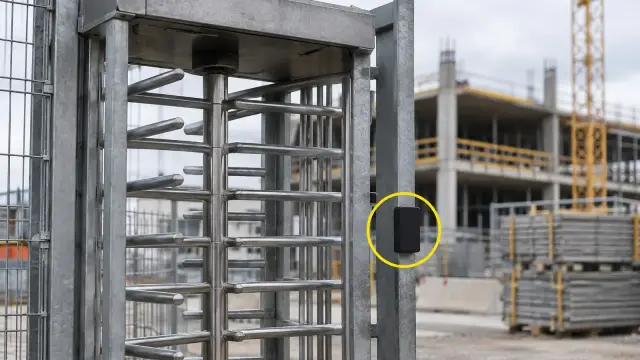
Wearable devices range from tags that vibrate when a worker is too close to moving plant, to sensors that detect falls or signs of heat stress. They can save lives in high-risk operations. They also collect data about people, which brings the privacy questions covered below. Their practical weak point is charging: a wearable left in a van overnight protects nobody the next morning.
Connected cameras
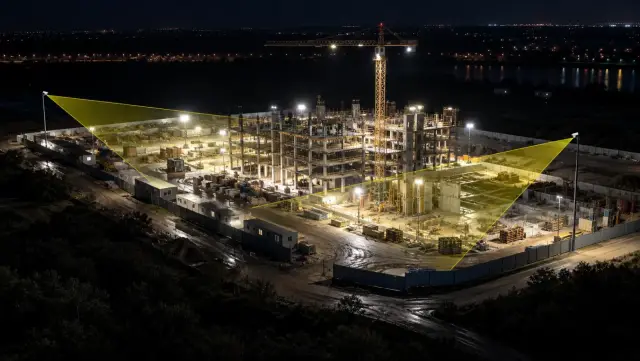
Cameras are often left out of IoT discussions, but a fixed camera on a mast that uploads an image every few minutes is a connected sensor like any other, with the same power and network needs. Its advantage is that an image can explain a reading. If a vibration monitor spikes at 10:42, the camera view from 10:40 may show a breaker working near the boundary.
Getting the data into one place
Most sites end up with sensors from several suppliers, each with its own portal. That is how readings go unread. A few rules help.
- Time and place on every reading. Every value should carry an accurate timestamp and a location tied to the site's grid, zone or level, not just a device serial number.
- One register of devices. Keep a list of every device, its location, what it measures, its battery or power source, its owner and its alert thresholds. Update it whenever a device moves.
- Agree the thresholds and the responder. For each alert, write down the trigger level, who receives it and what they do. If nobody can be named, do not switch the alert on.
- Bring summaries together. Even if raw data stays in each vendor's portal, a weekly summary in the project's main platform keeps it in front of the people who make decisions. Ask vendors for an export or an API before you sign.
- Link readings to the visual record. A reading paired with an image from the same time and place is far easier to interpret and to defend in a dispute.
Our guide to remote construction site monitoring covers how the visual side of a monitoring set-up works.
Costs, batteries and connectivity
What it costs
The hardware price is only part of the cost. A realistic budget includes the devices, gateways, network subscriptions per device, platform fees, installation, moving devices as the site changes, replacing batteries, recovering devices at the end and the staff time needed to review alerts. Ask suppliers for the total cost over the expected deployment period, not just the price per sensor.
Battery life
Battery life claims are usually measured at the slowest reporting interval and in mild temperatures. Reporting more often, cold weather and weak signal, which makes a device retry, all shorten it. Plan a battery check into a routine site task, and choose devices that report their own battery level.
Connectivity changes as the building rises
A site's radio environment changes every week. Concrete slabs, steel frames, basements and lift cores block signals that worked at ground level. Plan gateway positions with the construction sequence in mind and expect to move them. Below ground and in plant rooms, wired or repeater solutions are often needed.
Physical damage and loss
Sensors on a live site are knocked, buried, painted over and taken. Fix them securely, label them clearly, and record who is responsible for each one. Budget for losses.
Privacy and workers' data
Any device worn or carried by a person, and any system that records where people are, collects personal data. Rules differ by country. The European Union's GDPR is one example of a law that requires a defined purpose, a lawful basis, collecting no more than is needed and telling people what is collected and why. Similar principles appear in data protection laws elsewhere.
Practical steps that respect workers while keeping the safety value:
- Use wearable data for safety alerts, not for judging individual productivity.
- Avoid storing continuous location histories when an alert-only approach would do.
- Agree retention periods and delete data when they expire.
- Explain the system to the workforce before it goes live, and involve worker representatives where they exist.
- Make sure subcontractors' staff receive the same information as your own.
Workforce tracking raises more questions than other sensor types, which is why it has its own guide in this series.
Where YelloSKYE fits
YelloSKYE does not supply IoT sensors. Our role is the visual record that helps a team interpret what sensors report and check it against the site.
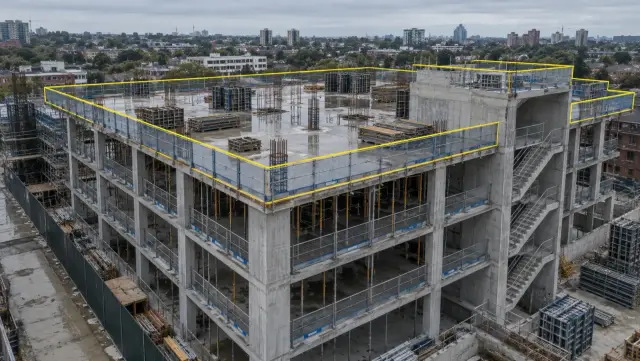
Construct IQ combines fixed cameras, scheduled drone mapping and DEX. When fixed cameras are installed, positions are chosen with the project plan, active work fronts, viewing range, power availability and connectivity in mind, which are the same practical constraints any site sensor faces. In the fixed-camera construction monitoring use case, timestamped images of selected work zones filled the gaps between drone flights, giving a continuous view of each zone. The construction time-lapse monitoring use case shows the same stable viewpoints turned into a verified record of milestones. To follow how the ground itself changes during earthworks, the earthwork volumetric analytics use case compares repeated drone terrain models with the design grading plan in DEX. When a sensor reading needs explaining, a dated image of the same place at the same time is usually the quickest way to find out what happened.
Checklist: planning an IoT deployment
- Write down the decision each sensor will support. If there is none, leave it out.
- Choose the sensor type and reporting interval to suit that decision, not the other way round.
- Map device and gateway positions against the construction sequence, including basements and cores.
- Set thresholds with the relevant engineer, and name who responds to each alert and how fast.
- Confirm power, battery checks and charging routines, and assign each device an owner.
- Ask every supplier for data export or API access, and plan a weekly summary into the main project platform.
- Pair key sensors with a camera view or a regular visual capture of the same area.
- Agree privacy rules for any worker-facing device before it goes live, and brief the workforce.
- Plan removal and recovery of devices at the end of each phase.