
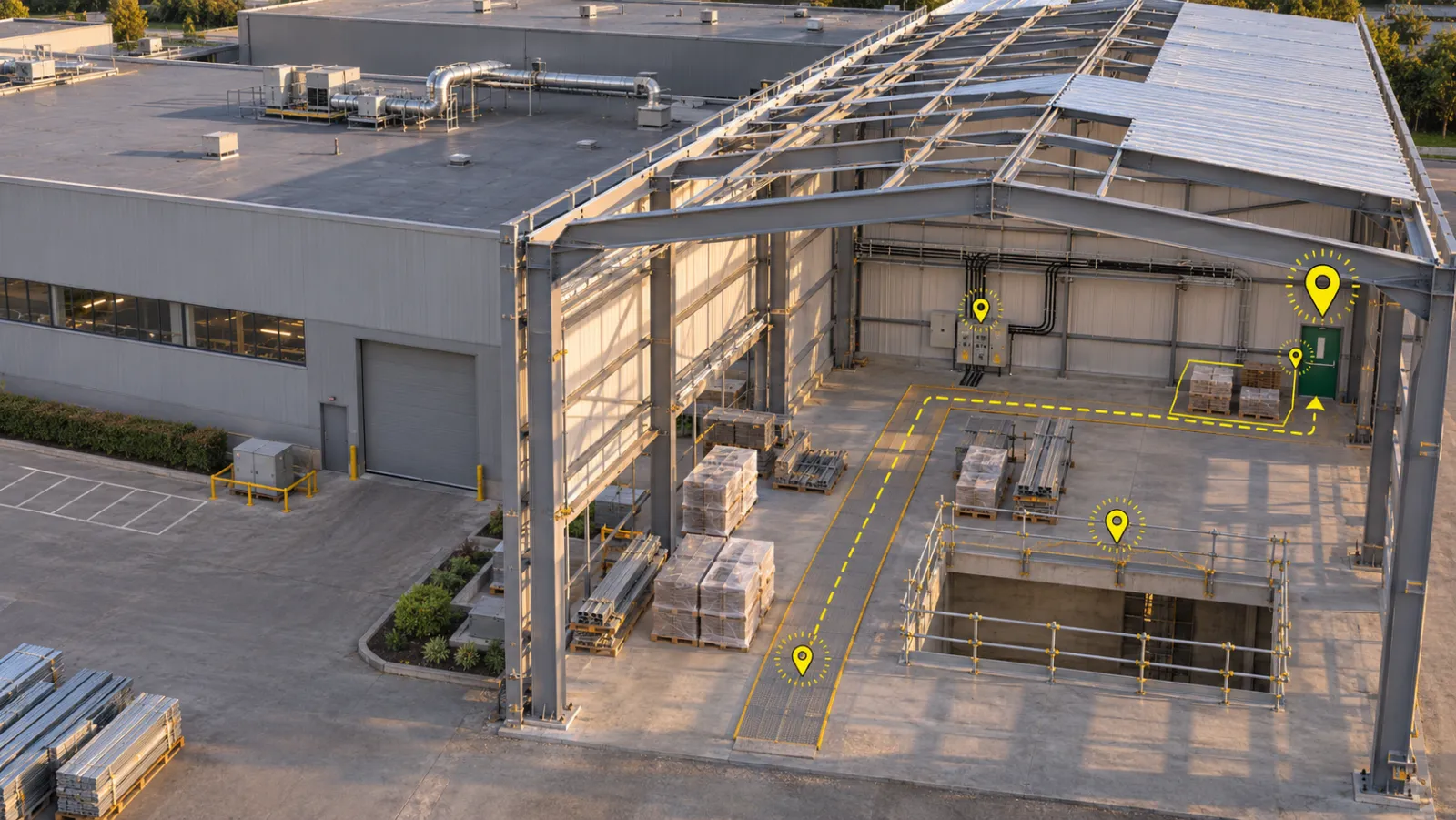
It is 8 in the morning at a plant where a new production bay is being built next to running lines. The safety lead walks the site with a printed safety walk checklist on a clipboard: walkways clear, guard rails in place, fire exits unblocked, temporary power cables off the floor. Every box gets a tick. By evening the sheet is in a drawer, the two photos of a blocked exit sit on someone's phone, and nobody above the safety lead can say whether today's walk happened, where it went, or what it found.
That is the gap this article is about. The walk itself is usually done well. What is missing is the record behind it.
Most site teams still run safety walks, issue updates and progress checks through paper, chat and calls. This article is about the daily safety walk, and what changes when it moves onto a phone or screen.
What a safety walk checklist is for
A safety walk checklist is a short, fixed list of things to look at on a regular walk of the site, so the same hazards are checked the same way every time. On an industrial site it usually covers access routes and walkways, edges and openings, temporary electrical supply, fire exits and extinguishers, housekeeping and stacked material, and whether people wear the protective equipment the area needs.
A good list does three jobs. It makes the walk consistent, so a busy morning does not quietly skip the electrical check. It ties each finding to a place, so someone can go back and fix it. And it leaves proof that the walk was done, by whom, and that someone responsible looked at the result.
Paper handles the first job reasonably well. It struggles with the second and fails at the third.
Where a paper construction safety checklist falls short
A paper construction safety checklist only knows what is written on it. "Blocked exit, east side" means something to the person who wrote it this morning. Three weeks later, after the bay has changed shape, it means very little.
Photos live somewhere else: in a camera roll or a chat group, apart from the sheet they belong to.
Then there is the question nobody can answer quickly: did today's walk happen at all? A missed day on paper looks exactly like a day nobody has filed yet. The site manager finds out only when they go looking, and by then the gap is old news.
And a tick is not a review. If nobody above the walker reads the sheet, nobody has checked what was found.
Start with the missed walk
The first thing a digital safety walk checklist fixes is that silence. In DEX, YelloSKYE's platform for project data and inspections, a project can have checklists for routines like a daily site safety walk. Each one is set up for your project with its questions, how often it should be filled (daily, weekly, monthly or every set number of days), the people who fill it and a maintainer who reviews what they send.
Every checklist shows when it is next due. The due date counts from the last submission, so a daily walk filled today is next due tomorrow. If the last submission is too old, the checklist is marked overdue in red, with the date it has been overdue since.
For a site manager this replaces the end-of-day phone call. "Did today's walk happen, and was it reviewed?" has an answer on screen.
What a walk looks like in DEX
It starts with a place. Every checklist opens with the same first question: where are you? The person filling it picks the tower, floor and area from the list set up for the project, or types a short description such as "basement ramp near gate 2" when the spot is not on that list. Location is always required, so no walk arrives without one. In DEX Web you can also save your current coordinates with the answers.
The questions are the ones agreed for your site. They can be single choices, dropdowns, tick boxes or short written answers. Required questions are marked, and the form shows how many are left.
Photos stay with the answer they explain. Some questions let you add photos, each with an optional note. On site the team usually fills checklists in QID, YelloSKYE's phone app, using the phone's camera; in DEX Web, the browser version, you attach photos already in the project.
Incomplete walks do not get sent. If a required answer is missing when someone presses submit, nothing is sent. The form says how many questions are still open and outlines each one in red. A half-filled walk cannot quietly pass as a finished one.
Sign-off: a second person looks at every walk
When a walk is submitted, the maintainer is notified and the submission waits with the status Awaiting review. The maintainer reads the answers, looks at the photos and either approves or rejects it, with an optional comment. The person who did the walk is notified of the decision and sees the comment.
That small step changes what the record means. The list of submissions shows, for each walk, when it was done, where, who filled it, whether it came from the phone or the web, its status, and who reviewed it and when.
Two plain points about what this sign-off is and is not. It records that the maintainer reviewed the walk; it does not certify the site as safe or replace any inspection your rules require. And the hazards a walk finds still need people on site to fix them. What changes is that the finding, the place, the photo and the review sit in one record instead of a sheet, a camera roll and a chat thread.
See your own daily walk in DEX
If your safety walks still live on clipboards and in chat groups, we can show you how your site's daily routine runs in DEX, from the walk on the phone to the reviewed record. Book a demo.