
Every week on a highway project, the progress review starts with the same few questions. What is still open? What did the latest site capture show? Which activities are running late? None of them is hard to ask. The trouble is that the answers sit in different places: an issue list, a folder of drone outputs, a schedule file and the memory of whoever was on site last. A construction AI assistant is only worth having if it shortens the gap between asking and knowing, without asking you to trust it blindly.
What a construction AI assistant should actually do
The phrase covers many kinds of tool: some read documents, some help with estimates, some draft emails. For a weekly review, the useful kind answers from your own project's records, not from general knowledge about construction.
Ask DEX is the AI assistant inside DEX, YelloSKYE's platform for viewing and checking a project's site data online. It opens in a side panel next to whichever section of DEX you have open, such as Images or Schedule. You type a question in ordinary words, or speak it if you use Chrome or Edge, and it answers from the data held on that project. An answer can be plain text, a table, or a file you can download. Tables can be exported as a CSV file, which opens in any spreadsheet. Follow-up questions in the same chat build on what you asked before.
If you would rather see this than read about it, you can request a demo now. The rest of this piece covers what to ask, and what to check before you rely on the answer.
Ask, then check: five questions before the review
These are the kind of questions whoever runs the weekly review might ask on a Monday. Each one comes with the check that keeps the answer honest.
"Which issues on this project are still open, and how severe are they?" The answer can come back as a table of open issues with their severity and date. Export it and you have the starting list for the meeting. Check: an issue raised in a phone call and never logged will not be in the table. The assistant only knows what has been recorded in DEX.
"What came in from the latest site capture?" DEX keeps the outputs from each capture of the site, for example a drone flight. Asking saves opening each section in turn to see what is new. Check: open the outputs themselves before you describe them to anyone else.
"Which schedule activities are running late?" Asked while you are in the project's Schedule section, this can turn a long schedule into a short list to discuss. Check: the answer is only as current as the schedule data held in the project.
"What looks different in the newest site images?" Asked while you are in the Images section, you can ask for a written summary to read before you open the pictures. Check: a summary of a picture is not the picture. Look at the images behind anything you plan to raise.
"Put together a short progress note I can edit." Treat the result as a first draft. It gets a structure on the page, which the person who knows the job then corrects.
If you are not sure what to ask, Ask DEX suggests questions, and the suggestions change with the section of DEX you are in. Some answers end with a list of the files they were based on, which makes checking quicker. When a name in your question matches nothing, or more than one thing, it asks which you meant instead of guessing.
Before you rely on it
It can be wrong, and DEX says so. Confirm anything that will reach a client or a report against the source data.
It answers about the project you have open. To ask about another project, open that one first.
Ask DEX appears only if your organisation's plan includes it, and each question uses credits.
Why this suits a highway project
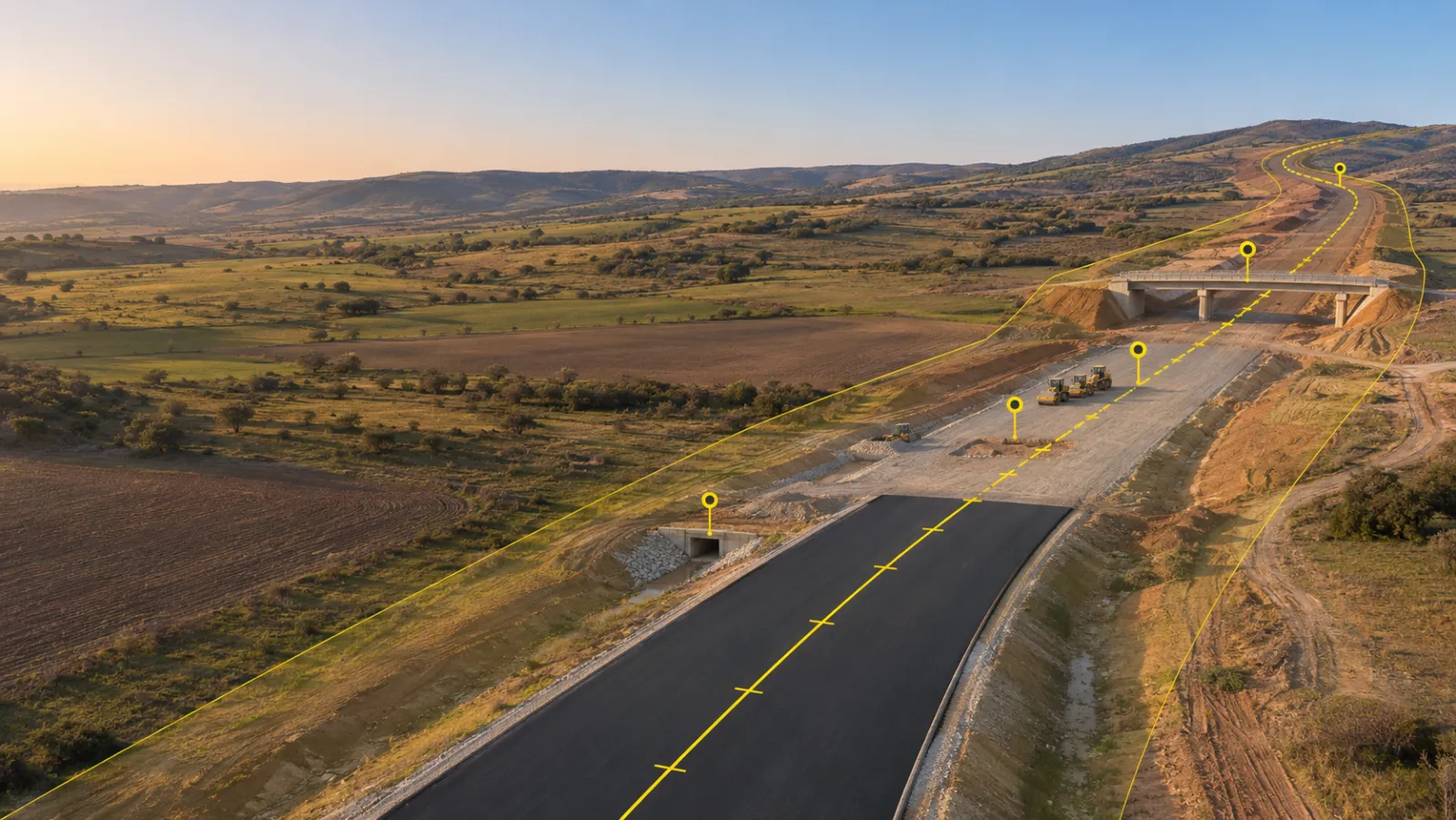
On a highway the work is spread along many kilometres, and the people in the review are rarely all on site at once. The value of an assistant here is not that it knows more than your engineers. It is that the first answer to a routine question can be in hand before the meeting starts, so the meeting can spend its time on what to do next. The engineers still decide. They simply start from the same list.
Try it on your own question
If your weekly review still starts with someone collecting answers by hand, request a demo and tell us the one question your team asks most often before the review. We will show you how Ask DEX would answer it on a project like yours, and where you would check the answer.