
Key takeaways
- The Question: How should a project team update its construction schedule so the forecast stays believable from week to week?
- The Answer: Pick a fixed data date, record actual starts and finishes and the remaining duration of work in progress, check the logic where the site has gone out of sequence, recalculate, then compare baseline, previous update and new forecast before issuing a numbered version with a short narrative. Evidence from the site, not opinion, should drive every status entry.
- The YelloSKYE Angle: Construct IQ supplies dated drone, 360° and fixed-camera imagery that planners can use to confirm each status entry, so the update reflects what has physically been built.
A construction schedule update records what has actually happened on site up to a chosen date, then recalculates the programme so the forecast for the remaining work reflects that reality. Done well, it is a short, repeatable routine: gather evidence, enter actual dates and remaining durations, fix logic the site has overtaken, compare the result with the baseline, and issue a numbered version with an explanation. Construct IQ fits into the evidence step of that routine.
This guide covers the update cycle itself: who does what, which fields matter, how to read the comparison between versions and how to keep those versions under control. The ways of measuring progress on individual activities are covered separately in our guide to percent complete in construction.
Update, revision or rebaseline?
Three different things are often called "updating the schedule", and mixing them up is how projects lose track of what was agreed.
| Action | What changes | What stays fixed | Typical trigger |
|---|---|---|---|
| Update | Actual dates, remaining durations, forecast dates | Activities, logic, baseline | Every reporting period |
| Revision | Activities added or removed, logic changed, sequence altered | Baseline | The site has found a better or necessary way to do the remaining work |
| Rebaseline | The reference plan everything is measured against | Previous baselines, kept on file | Major scope change, approved extension of time, agreed recovery plan |
Most periods should be pure updates. Revisions are normal but should be listed in the update narrative so reviewers can see why the forecast moved. Rebaselines should be rare and formally agreed.
The update cycle
A weekly cycle on a mid-sized project might look like this. On a monthly contract programme the same steps apply over a longer rhythm.
| Step | When | Who | Output |
|---|---|---|---|
| Fix the data date | Start of cycle | Planner | One cut-off date for all status |
| Capture site evidence | Day before or on the data date | Site team, capture provider | Dated images, walk records, quantities |
| Collect trade status | Data date | Package managers, foremen | Actual dates and remaining durations by activity |
| Check status against evidence | Data date plus one day | Planner, site manager | Agreed status, disputed items listed |
| Enter status and fix logic | Data date plus one day | Planner | Recalculated programme |
| Compare versions | Data date plus two days | Planner, project manager | Variance report, critical path changes |
| Write narrative and issue | Data date plus two days | Project manager | Numbered update with commentary |
| Review meeting | End of cycle | Project leadership, owner | Decisions on recovery actions |
The discipline that matters most is the gap between the data date and the issue date. If an update takes two weeks to produce, it describes a site that no longer exists.
What goes into an update
Each in-progress or completed activity needs a handful of fields. The table below shows what each one means and the mistake planners see most often.
| Field | Meaning | Common mistake |
|---|---|---|
| Actual start | The date work physically began | Entering the planned date because nobody recorded the real one |
| Actual finish | The date the activity was complete to its definition | Marking finished while snags or a few rooms remain |
| Remaining duration | Working days still needed from the data date | Leaving the original duration and letting the finish date stay unrealistic |
| Percent complete | Share of work done, used for cost and earned value | Treating it as the same thing as time remaining |
| Expected finish (optional) | A date the trade commits to | Accepting it without checking crew size and access |
| Notes | Reason for any change | Leaving blank, so nobody can explain the variance later |
Remaining duration is the forecasting field
Percent complete describes the past; remaining duration describes the future. A ceiling package that is 60 per cent complete after three weeks may still need four weeks, not two, if the remaining areas are the congested ones above plant rooms. Ask the foreman how many working days are left with the current crew, then check whether the answer is consistent with the evidence.
Define "started" and "finished" so they can be seen
A status entry is only as good as the definition behind it. "Started" might mean the first board is fixed, not that materials have arrived. "Finished" might mean the area is ready for the next trade, with no open items. Write these definitions down for the main activity types and use them every period. The as-built vs as-planned guide explains why "as-reported" and "as-built" drift apart when definitions are vague.
Statusing from site evidence
The weakest part of most updates is the source of the status: a meeting where each trade says how it is getting on. Trades are not dishonest, but a subcontractor whose payment depends on progress has every reason to round up, and one who is behind has every reason to wait before admitting it.
Evidence-based statusing reverses the order. The planner starts from what the site shows, then asks the trades to explain any difference. Useful evidence includes:
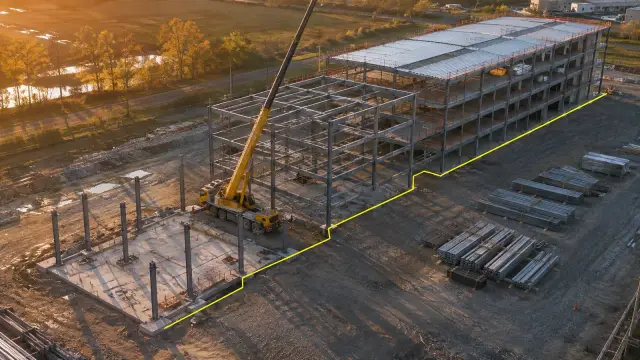
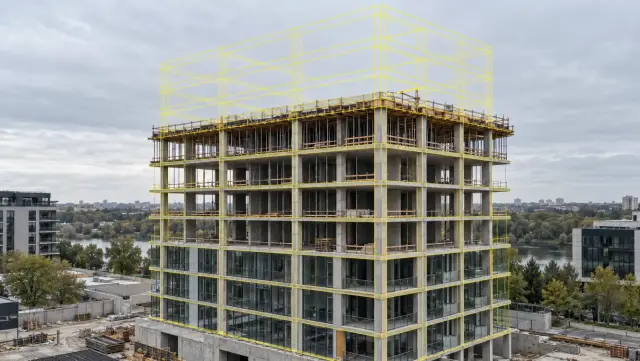
- Dated aerial imagery for external works, frame, roof and envelope, where a drone flight shows the whole site at once.
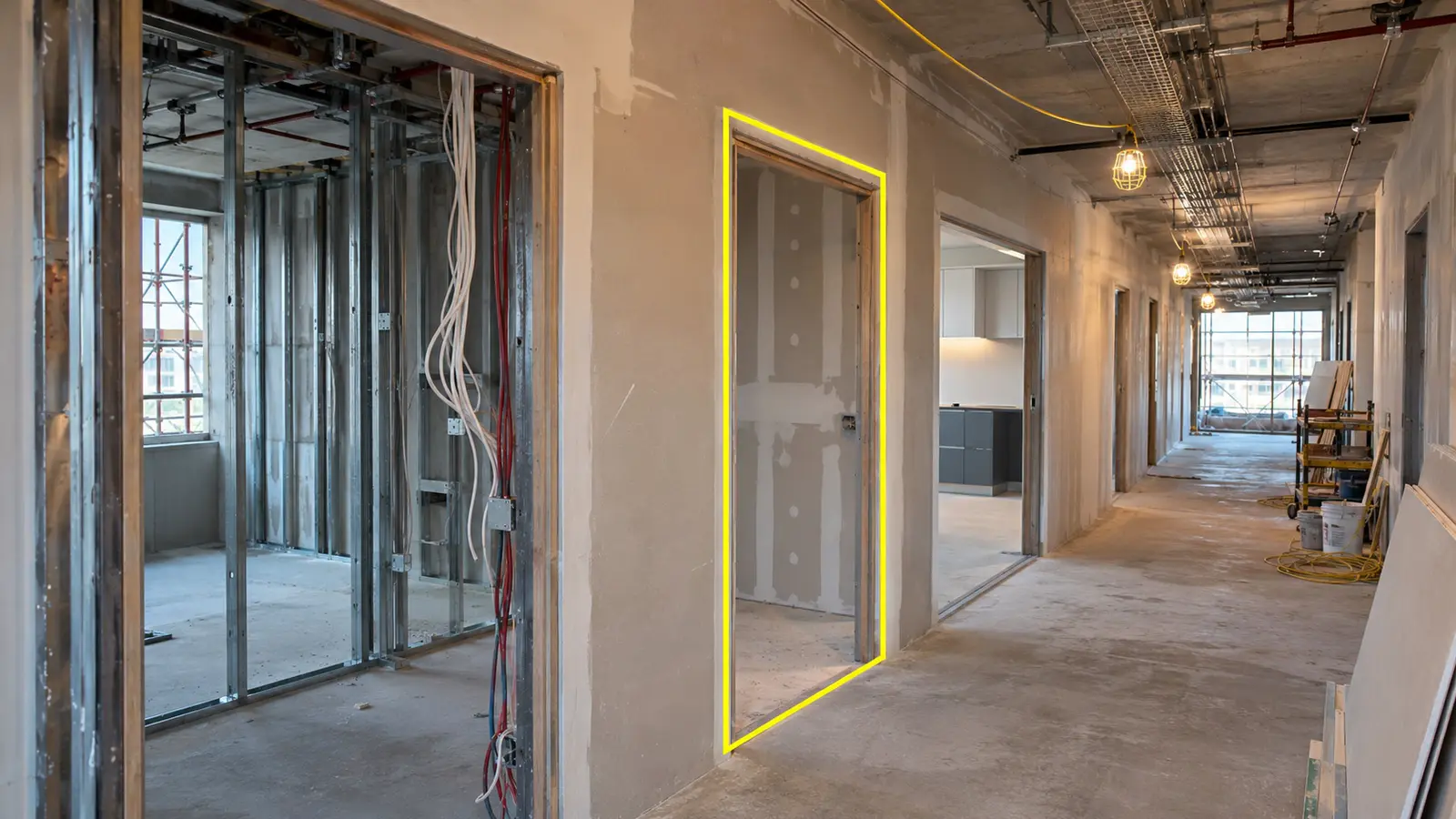
- 360° walk records for interiors, organised by floor and room, so a planner can open the exact area an activity refers to.
- Fixed-camera sequences for priority zones, showing when work actually started and whether it continued.
- Measured quantities such as earthwork volumes, where the activity is defined by quantity.
When the evidence and the trade disagree, record both and resolve it before issuing. A short list of disputed items is far better than an update that quietly accepts the more optimistic figure.
Out-of-sequence progress
Sites rarely follow the logic exactly. A trade may start an area before its predecessor has finished there, because access opened early. Planning tools handle this in one of two ways. Retained logic keeps the original links and holds the remaining work of the out-of-sequence activity until its predecessor finishes. Progress override ignores the link once work has started. Retained logic is usually the more conservative forecast, but either way, the planner should look at each out-of-sequence activity and decide whether the logic needs revising.
Baseline, current and forecast: reading the comparison
Every update should compare three things: the baseline, the previous update and the new one. Here is a short extract from a fictional fit-out programme to show how the comparison reads.
| Activity | Baseline finish | Previous update forecast | This update forecast | Movement this period | Total float now |
|---|---|---|---|---|---|
| Level 4 partitions | Week 18 | Week 19 | Week 19 | None | 6 days |
| Level 4 services rough-in | Week 21 | Week 22 | Week 24 | 2 weeks later | 0 days |
| Level 4 boarding | Week 23 | Week 24 | Week 26 | 2 weeks later | 0 days |
| Level 5 partitions | Week 20 | Week 20 | Week 20 | None | 4 days |
| Practical completion | Week 40 | Week 41 | Week 42 | 1 week later | 0 days |
The useful questions are about movement, not just position. Level 4 services moved two weeks in one period and has become critical; that is where leadership attention belongs. Practical completion moved only one week because some float elsewhere absorbed part of the slip, which means that float has now gone.
Track a few indicators across updates as well as within them: the forecast completion date, the total float on the critical path, the number of activities with negative float and the number of logic revisions. A forecast that holds while float steadily shrinks is not stable; it is spending its reserves.
Managing schedule versions
A project that cannot reproduce last month's schedule cannot defend its delay analysis. A few rules keep versions under control.
- One numbered file per update, named with project, update number and data date, stored read-only once issued.
- Baselines kept separately and never overwritten; if the project rebaselines, the old baseline stays on file.
- A change log listing every logic change, added or deleted activity and duration change in the period.
- A narrative of one or two pages with each issue: critical path, main movements and their causes, and recovery actions.
- Evidence filed with the update, so anyone can later see what the site looked like on that data date.
The last point is the one most projects skip, and it is often the one that matters most months later in a dispute.
Where automation and AI help, and where they do not
Much of the update cycle is collecting and retyping information. That is where automation earns its place.
What can be automated
Capture can be scheduled: drone flights on a fixed day, fixed cameras recording continuously, 360° walks by any site worker along a set route. Processing can turn those captures into orthomosaics, walkthroughs and comparisons against the planned 4D schedule. Software can then flag activities whose evidence does not match their reported status, and forecasting tools can project finish dates from the production rates the site has actually achieved rather than the rates assumed at tender.
What still needs a planner
Automation can tell you that a wall exists; it cannot always tell you that the wall has passed inspection, that the next trade can access it or that the logic for the next six weeks still makes sense. Decisions about resequencing, recovery and rebaselining remain human judgements. The aim is to move the planner's time from collecting status to deciding what to do about it.
How YelloSKYE supports the cycle
Construct IQ captures the site by drone, 360° camera and fixed camera, and the DEX platform compares actual execution with the planned 4D schedule through its Progress vs. Plan overlay. Time Travel Playback lets a reviewer step back to the data date of any earlier update and see the site as it was. Interior teams in our interior fit-out use case spent 70 per cent less time on coordination once rooms could be checked in a 360° record, and the construction progress capture use case freed upwards of 15 hours a week per site manager that had gone into photo reports and walks. For owners running several projects, portfolio monitoring on DEX puts more than ten sites into one dashboard.
YelloSKYE does not replace your scheduling software. It provides the visual record that checks the status going into it. Its progress reports export to MS Project as well as Procore and Autodesk, so the evidence travels with the update.
A schedule update checklist
- Set one data date for the whole update and do not mix statuses from different days.
- Capture site evidence on or just before the data date and file it with the update.
- Record actual start and finish dates against written definitions of started and finished.
- Enter remaining duration for work in progress and sanity-check it against crew and access.
- Review every out-of-sequence activity and revise logic where the site has found a new sequence.
- Compare the new forecast with the baseline and the previous update, and explain every significant movement.
- Watch float on the critical and near-critical paths, not just the completion date.
- Issue a numbered, read-only version with a short narrative and a change log.
- Rebaseline only after a formal decision, and keep every earlier baseline.