Reality Capture for Facility Management: 360°, Drone Maps and Scans in Daily Operations
By Kush Agarwal, President and CEO, YelloSKYE. Published .
Executive Summary
- The Question: How can a facility management team use 360° imagery, drone maps and scans in everyday work, not just as a construction archive?
- The Answer: Use each method for the decision it suits: 360° imagery to find assets and plan jobs, drone maps to assess roofs, facades and grounds from a desk, and scans when something has to be measured. File every capture by location and asset, link it to work orders, and update it whenever the building changes.
- The YelloSKYE Angle: Inspect IQ covers roofs, facades and rooftop plant with high-resolution and thermal drone surveys, and DEX keeps those captures alongside 360° and fixed-camera records on one timeline.
Reality capture for facility management means keeping a visual, location-based record of your buildings and grounds, and using it to decide what to do before anyone is sent to site. A planner can check access to a fan coil unit, a manager can review roof damage after a storm, and a contractor can price a job from images rather than from a walk-round.
Most facility teams already have some of this data. It arrives as part of a construction handover, a one-off survey or an insurer's inspection, and then sits in a folder. The value appears when it is part of the maintenance routine: found from the asset register, opened during planning and refreshed when work is done. This guide explains which capture method suits which facility task, how to fit captures into work orders, and how to keep the record trustworthy. It reflects how we approach building and roof inspection under Inspect IQ, our asset inspection solution. If you are still at the stage of receiving records from a contractor, start with our guide to construction handover documentation.
Why facility work needs a visual record
A large share of facility work begins with someone going to look. A reactive job arrives, a technician walks to the area to see what is involved, returns to collect the right parts or access equipment, and only then does the repair. Planned work has the same pattern when nobody is sure what is above a ceiling or whether a replacement unit will fit through a doorway.
Each of those scouting trips costs time, and on a campus or a portfolio of sites it can cost a day's travel. Visual records remove many of them by answering three questions in advance:
- Where exactly is it? The asset, its surroundings and the route to reach it.
- What will the job need? Ladders or lifts, isolation points, permits, parts and how many people.
- Has anything changed? Whether the space still looks as it did at the last capture or the last repair.
Matching the capture method to the task
No single method suits every facility question. The useful distinction is between methods that let you see a space and methods that let you measure it.
| Method | What facility teams use it for | Fidelity | Typical refresh |
|---|---|---|---|
| 360° imagery | Finding assets, reading labels and nameplates, checking access routes, briefing contractors | Visual, readable at close range | After changes; yearly for busy plant spaces |
| Drone map and imagery | Roofs, facades, car parks, grounds, drainage, external plant | Visual and measurable in plan | On the owner's inspection cycle and after storms |
| Thermal drone survey | Wet roof insulation, HVAC leaks, facade defects, electrical hot spots | Temperature differences, needs interpretation | Seasonally or on the inspection cycle |
| Laser scan | Plant replacements, clearance checks, alterations, renovation design | Dimensional, survey grade | Before major works |
| Fixed camera | Continuous view of loading docks, yards, active works areas | Visual, time-based | Continuous |
The cheapest method used consistently is usually worth more than an expensive scan that is never opened again. Start with 360° imagery inside and drone maps outside, and add scans where a measurement drives a real decision.
Finding assets without a walk-round
The first everyday use is locating things. An engineer needs to find a specific valve, damper, distribution board or roof drain, check what surrounds it and see how to reach it.
Pin captures to the floor plan
360° images are far more useful when each one is placed on the floor plan at the point it was taken. Clicking a room on the plan then opens the view from inside that room, and stepping through adjacent images follows the route a technician would walk.
Make labels readable
For maintenance, image resolution matters more than geometric accuracy. Capture plant rooms, risers and switch rooms closely enough that equipment labels, valve tags and flow arrows can be read on screen. If a tag cannot be read, the image will not save a trip.
Link the asset register to the images
Add the location code and a link to the relevant captures to each asset record. In the opposite direction, tag each capture with the assets visible in it. Once both links exist, the record works from either end: from the asset to its images, or from a space to everything in it.
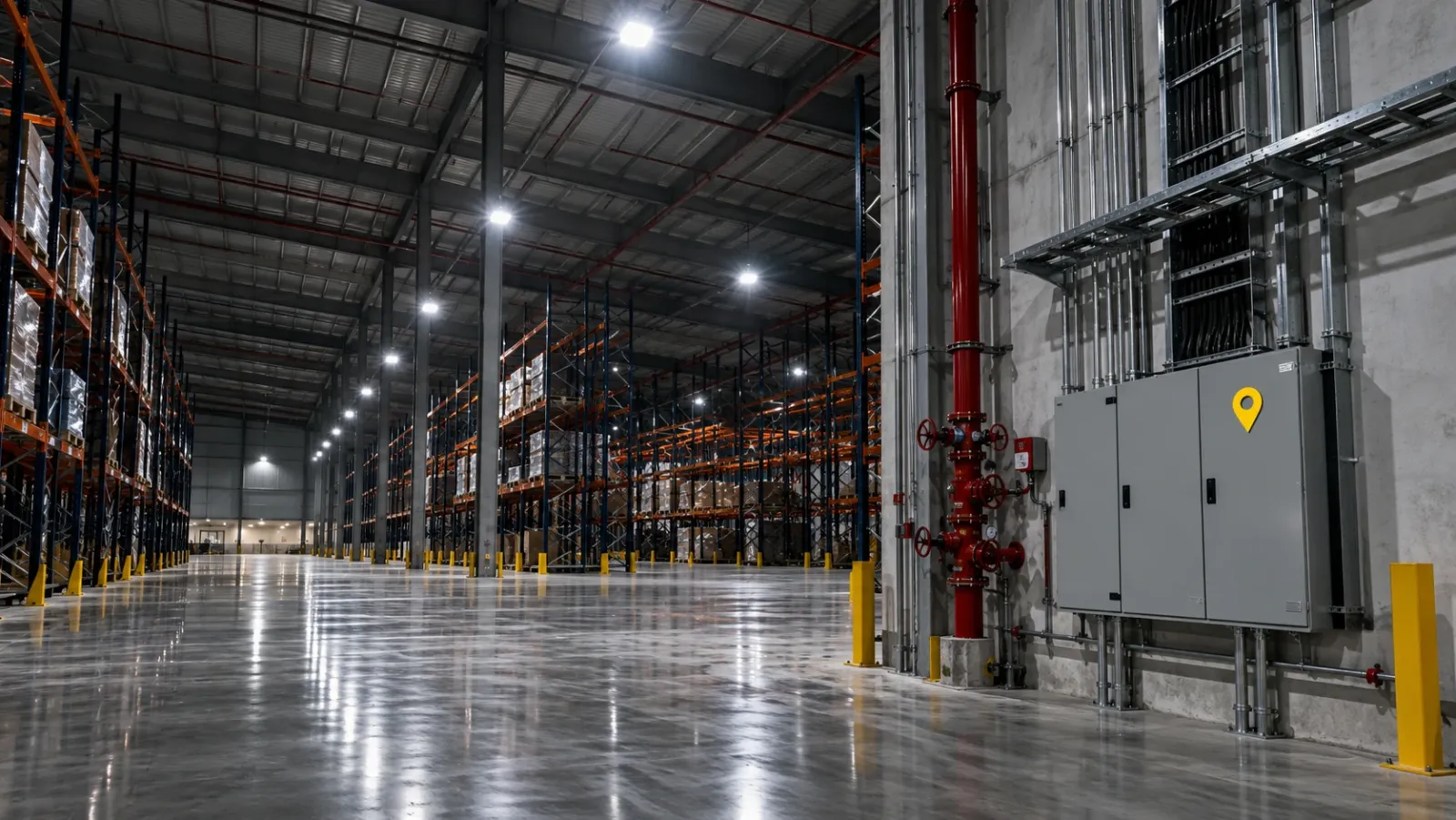
Records from construction are especially valuable here, because they show services before ceilings and walls were closed. In our warehouse operator handover use case, maintenance teams use the historical layers on DEX to locate utilities behind concrete when planning later work.
Planning work orders from a desk
The second use is better planning. Before a job is scheduled, the planner opens the latest capture of the area and works through a short list.
| Planning check | What to look for in the capture |
|---|---|
| Access | Doors, corridors, ceiling height, obstructions, whether a lift or tower is needed |
| Isolation | Valves, breakers and switches upstream of the asset, and whether they are labelled |
| Parts | Make, model and size from nameplates and fittings |
| Safety | Working at height, confined spaces, hot surfaces, nearby live equipment |
| Disruption | Whether the work affects occupied areas, and which ones |
| Contractor brief | Images and measurements to send with the request for quote |
Attaching those images to the work order means the technician sees the same view before setting out. Contractors can price more accurately from images and measurements than from a written description, and fewer first visits end with a return trip for the right equipment.
Close the loop with evidence
When the job is finished, require closeout images of the completed work, filed against the same location and asset. These become the new reference for that space. Keep the earlier images as history rather than replacing them; a recurring fault is often easier to diagnose when you can compare the installation over several years.
Remote assessment of roofs, facades and grounds
The third use is assessing condition without sending people up. External surfaces are where drones add the most.
Roofs
One flight can cover an entire roof, including the membrane, outlets, upstands and rooftop plant, and a thermal pass can reveal wet insulation under a surface that looks sound. Roofers are then sent to specific, marked areas instead of walking the whole roof to find the problem. Our guide to drone roof inspection covers the method in detail.
Facades
A facade map lets the owner read a finding against the elevation drawing, measure it and compare it with an earlier date before booking access equipment. Our facade inspection from a desk use case walks through this in DEX, where each side of a building is shown as its own high-resolution map and issues can be marked where they were seen. The drone facade inspection guide explains how the capture itself is planned.
Grounds and external areas
Orthomosaic maps of car parks, access roads, drainage and landscaping give a measurable plan of the estate. They are useful for condition surveys, planning resurfacing and checking work by grounds contractors. For a full property assessment combining roof, facade and grounds, see our guide to property condition assessment.
YelloSKYE's Inspect IQ reports are delivered as structured defect lists with annotated images, GPS coordinates and severity ratings, exportable to PDF, Excel and BIM-linked formats, so findings can be loaded into the systems facility teams already use.
Continuous views for busy areas
Some areas change too often for periodic capture to keep up: loading docks, yards, plant compounds during a replacement project. Fixed cameras record these from a set viewpoint around the clock. In our fixed-camera warehouse monitoring use case, cameras at docks, staging areas and internal corridors feed DEX so facility managers can review activity remotely and keep a time-referenced record of what happened on the floor.
Keeping the record current after changes
A visual record is only trusted if people believe it shows the building as it is now. The fastest way to lose that trust is a fit-out that moves services while the record stays the same.
Treat change as a capture trigger
Any project, repair or tenant alteration that changes a space should end with a fresh capture of that space, supplied by whoever did the work. Write this into contractor terms and check it at closeout, in the same way as updated drawings.
Keep dates visible
Every capture should show when it was taken. Users can then judge for themselves whether a two-year-old image of a quiet store room is good enough, or whether a recently altered plant room needs a new look.
Refresh on a cycle
Beyond change-driven updates, set a refresh interval by space type. Busy plant rooms and risers might be recaptured yearly, roofs and facades on the existing inspection cycle, and low-change areas only when altered.
Rebuild the baseline when it has drifted
Where an older building has poor records, or years of changes have gone undocumented, a laser scan converted to an as-built model gives a fresh, measured starting point. Our scan to BIM for renovation use case shows this for buildings about to be reconfigured.
Getting started
Choose one recurring problem that costs your team visits, for example above-ceiling maintenance in one building, roof leaks across a site, or plant replacements in a single plant room. Capture the spaces involved, link the images to the assets and work orders, and track whether planning time, return trips or contractor queries fall over a few months. Expand to the next building or task once the team is using the record without being asked.
Checklist: reality capture for a facility team
- List the facility tasks that most often start with a scouting visit.
- Capture plant rooms, risers, ceiling voids and main routes with 360° imagery close enough to read labels.
- Fly roofs, facades and grounds and file the maps by building and date.
- Pin every capture to the floor plan and tag it with location codes and visible asset tags.
- Link captures to asset records and attach them to work orders during planning.
- Require closeout images for every completed job and file them against the same location.
- Make a fresh capture a condition of closing any project or alteration.
- Set a refresh interval by space type and keep every earlier capture as history.
- Scan to an as-built model wherever measurements will drive a replacement or redesign.
Frequently asked questions
What is reality capture in facility management?
It is the use of 360° imagery, drone maps, laser scans and fixed cameras to keep a dated, location-based visual record of buildings and grounds. Facility teams use that record to find equipment, plan maintenance, assess damage and brief contractors without sending someone to look first.
Which capture method should a facility team start with?
For most buildings, 360° imagery of plant rooms, risers, ceiling voids and corridors gives the most day-to-day value, because it lets people read labels and see access routes. Add drone maps for roofs, facades and grounds, and laser scans only where you need measurements for replacements, alterations or renovation design.
How often should facility records be recaptured?
Recapture after any change and on a set interval for the rest. Areas touched by a project or a major repair should be captured as part of closing that work. High-traffic plant spaces benefit from a yearly refresh, and roofs and facades are usually flown on the inspection cycle the owner already runs.
Can reality capture replace site inspections in facility management?
Not fully. It removes many of the visits made only to see what is there, and it lets inspectors arrive knowing exactly where to look. Hands-on checks such as testing fixings, opening joints or isolating equipment still need a person on site.
How does reality capture connect to a CMMS?
The simplest link is the asset tag. When each capture is filed against a location and the assets visible in it, a work order in the maintenance system can carry a link to the relevant images, maps or scans. Closeout photos from the job then become the next update to the record.